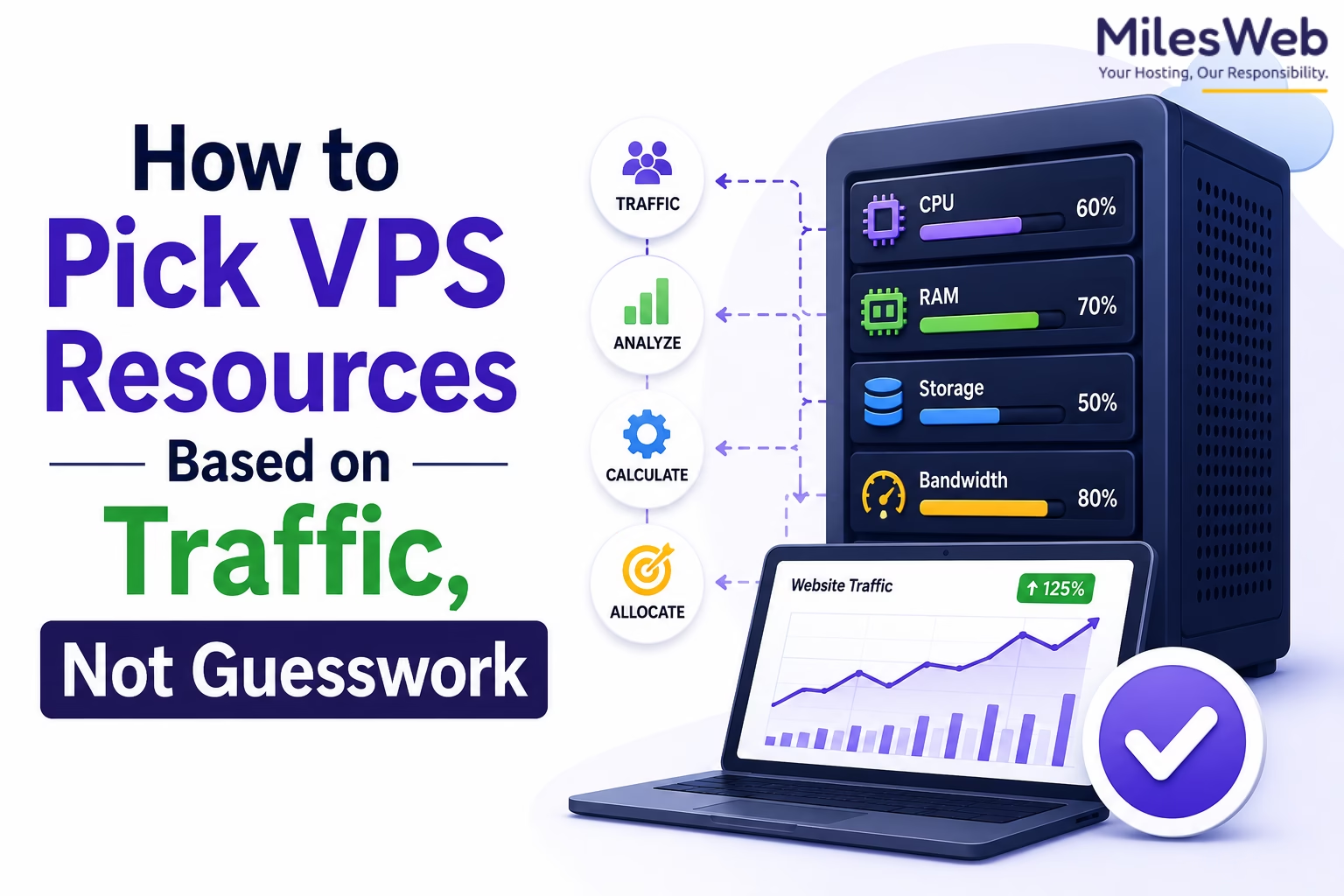
Choosing VPS resources feels like educated risk-taking — businesses buy too much or too little and suffer either wasted spend or crashed servers. The fix isn't more options, it's better data. Here's how to read your traffic like a pro.
When selecting a VPS server in the India location and its resources, most people reach for the most expensive plan they can afford, cross their fingers, and call it a day. The issue isn't the options — it's that decisions are based on assumptions instead of actual user traffic patterns. If you know how your users actually behave, you can build a VPS resource strategy that's both lean and bulletproof.
Why Monthly Visitor Counts Mislead You
When planning VPS resources, the first question most people ask is "how many visitors does my site get per month?" It's a natural starting point — but it's the wrong one. Monthly numbers give you volume, not behavior, and your server doesn't care about volume.
Consider the difference between 10,000 visitors spread evenly across a month versus 10,000 visitors who all show up during a 2-hour product launch window. The same number, completely different server demands. The nature of user activity matters just as much — reading a blog post is lightweight, while running a dashboard query or a product search hits your CPU and RAM hard.
Monthly visitor count doesn't tell you about concurrency, session length, query depth, or peak spike behavior — all of which are what actually stress your server. Use it as a starting point only, never as your sole metric.
Understand Concurrency — That's What Drives CPU
The CPU you need is driven by concurrent usage, not total traffic. Concurrency is simply the number of users actively doing something on your site at the exact same moment.
A blog with 50,000 monthly readers but low interaction can run happily on 1–2 CPU cores, because at any given second, only a handful of people are loading pages. A SaaS dashboard with 500 logged-in users all running live queries simultaneously? That needs 4–8 cores minimum — even though its "traffic" looks smaller on paper.
In Google Analytics 4, go to Reports → Realtime. The "Users in last 30 minutes" figure during your peak hours is your real concurrency number. Build your CPU plan around that, not the monthly total.
Before provisioning CPU, identify your peak usage windows, which pages trigger the most server-side processing (login pages, search, checkout), and whether users are passive readers or active interactors. Provision for peak — not average.
Memory Usage Reveals Application Complexity
RAM is consistently either over- or under-estimated. Unlike CPU, which scales with active requests, RAM accumulates with application complexity. Sites running a pile of WordPress plugins, executing dynamic queries on every page load, or pulling real-time data will eat RAM fast — regardless of how many people are visiting.
"If your RAM fills up while your CPU is still idling, don't waste money on a faster processor — add more RAM. It's the quickest fix that most site owners completely overlook."
— warisweb.comPoor caching and inefficient database queries are the silent RAM killers. A site with moderate traffic and a bloated plugin stack can need 4GB of RAM while a leaner, well-coded site handles 5× the load on 1GB. Monitor memory usage specifically during your peak hours — if it's consistently above 80%, that's your bottleneck, not your CPU.
Quick Resource Reference by Site Type
| Site Type | CPU Cores | RAM | Traffic Level |
|---|---|---|---|
| Blog / Content site | 1–2 cores | 1–2 GB | Low |
| WooCommerce / eCommerce | 2–4 cores | 4–8 GB | Medium |
| SaaS / Dashboard App | 4–8 cores | 8–16 GB | High |
| Agency / Portfolio | 1–2 cores | 2–4 GB | Low |
| News / Media site | 2–4 cores | 4–8 GB | Medium |
Disk I/O — The Bottleneck Nobody Talks About
Storage is almost always the last thing people think about and often the first thing that causes problems. Disk I/O — the speed at which your server can read and write data — determines how quickly your site can serve content, process uploads, or execute database queries under load.
High-traffic sites with frequent content updates, large media files, or user-generated data are particularly vulnerable. You can have plenty of CPU and RAM, but if your disk can't serve data fast enough, your users still experience slow load times and timeouts. Always choose NVMe SSD storage over traditional HDD or even standard SSD when your I/O demands are high.
For most websites, the speed of your drive matters more than the size. NVMe SSD handles high I/O workloads significantly better than standard SSD. Only scale storage size when you're actually running out — prioritize speed first.
Monitor First — Then Scale
One of the most common and expensive mistakes in hosting is blindly upgrading a VPS when things get slow. Without real monitoring data, you're guessing — and guessing usually means throwing money at the wrong resource.
The right approach: deploy monitoring tools (Netdata, Grafana, or even your hosting panel's built-in stats), then run your site through normal and peak traffic loads. Watch what spikes first. Is it CPU? RAM? Disk read speed? Network bandwidth? Each has a completely different fix, and treating the wrong one wastes both time and money.
- CPU spikes constantly → Optimize queries, add caching, or upgrade CPU cores
- RAM fills up fast → Reduce plugins, improve caching, or add RAM
- Disk I/O is maxed out → Upgrade to NVMe SSD or implement a CDN
- All three are fine but site is slow → Problem is likely in your code, not your server
Why Over-Provisioning Hurts You Too
It feels safe to buy 3× the resources you think you need. In reality, over-provisioning masks real problems. When you have extra headroom, you never find out that a plugin is running 200 unnecessary database queries per page load — because the server absorbs it. That technical debt piles up, and when you eventually hit real traffic, the inefficiencies hit all at once.
A well-optimized, appropriately sized VPS will consistently outperform an over-provisioned one with messy code. Right-size your server, monitor aggressively, and fix the actual bottlenecks. That's how you scale smart.
When to Stop Scaling Vertically
At some point, adding more RAM or CPU cores to a single server stops being the answer. When your traffic grows beyond a certain threshold, vertical scaling (bigger server) gives diminishing returns compared to architectural changes like load balancing, database caching layers (Redis, Memcached), or a CDN for static assets.
The signal that you've hit this point: you upgrade your VPS, performance improves briefly, then degrades again within weeks as traffic grows. That's the moment to consider switching from vertical to horizontal architecture — or to move to a managed cloud provider with auto-scaling capabilities.
Frequently Asked Questions
Everything you wanted to know about picking the right VPS plan.

Disclosure: This article is published in collaboration with a hosting industry partner and may contain promotional references.